Motion sensors are great for turning on lights when you enter a room, but they’re pretty bad at knowing how long to keep them on if people are sitting still. Presence sensors are a great solution, as they detect occupancy rather than motion. There’s a whole lot more you can use them for than just controlling your lights.
Pausing the TV when I leave the room
This is one of those automations that really feels like magic. When we’re watching TV in the evening, and someone gets up from the sofa to get a drink or to go to the bathroom, the TV will automatically pause. Once they come and sit back down on the sofa again, the TV resumes playing.

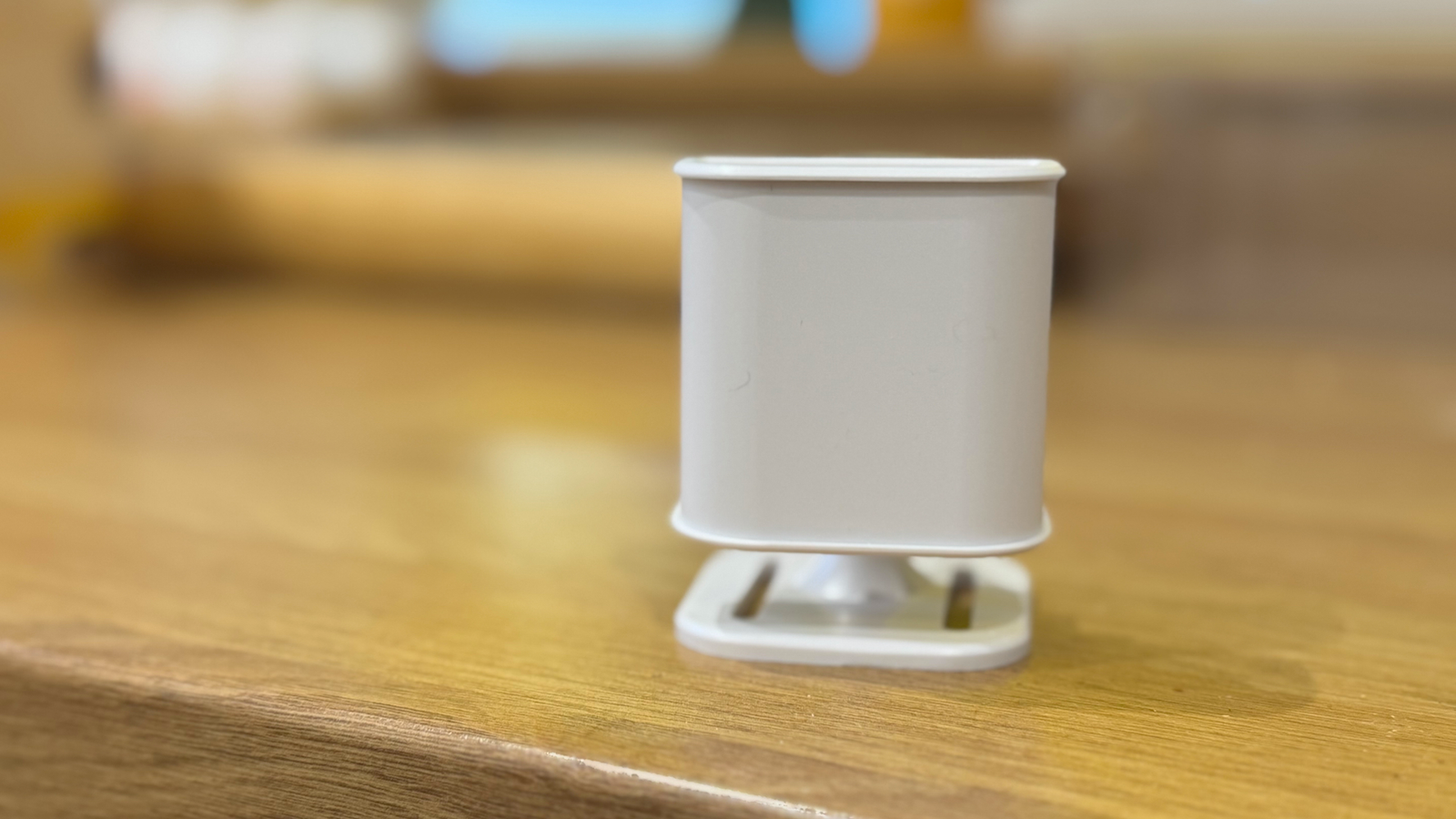
The automation is triggered by an mmWave sensor that allows you to set up different zones. I’m using the Everything Presence Lite presence sensor, but there are several other options, such as the Aqara Presence Sensor FP2, that allow you to create custom zones.
I created a zone for our sofa, and the sensor can determine how many people are sitting in that zone. If that count decreases while the TV is powered on, the automation will pause the TV. Once the count returns to its original value, the TV will play again.

5 wild smart home sensors you can integrate with Home Assistant
Great gifts for the smart home nerd in your life.
Stopping the kids from sitting too close to the TV
The beauty of being able to create multiple zones for presence sensors is that you can use the same sensor for multiple different purposes. I use the same presence sensor in the living room for a second automation that has proved a hit with both us and our kids.
My kids have a terrible habit of trying to sit as close to the TV as humanly possible. It’s a 50-inch TV, and their preferred seating position is probably not good for their eyes. Constantly nagging them to move further away proved very tiresome.

Using my presence sensor, we no longer have to nag them ourselves. I set up a zone for the presence sensor in the area where they like to sit. If the TV is on, and people are detected in that zone for more than a few seconds, it triggers an automation.
This is the part my kids love. I use AI to generate a juvenile and snarky announcement to tell them to move, so the warning is different every time. They find it hilarious, but after three warnings, if they still haven’t moved, the TV turns off.
Turning on the reading lamp
As well as a zone for my sofa and one for in front of the TV, I have a third zone set up for the armchair on the opposite side of the room, known in the family as “the reading chair.” This allows me to use the same presence sensor for yet another purpose.

There is a free-standing floor lamp next to the reading chair, and whenever anyone sits down in this chair, the lamp turns on, giving them perfect light for reading. Once they’ve finished reading and leave the chair, the lamp turns off again.
This is one of the best things about presence sensors; they can be accurate enough to determine when someone is sitting in a specific location. Unlike motion sensors, which lack this kind of precision, you can use presence sensors for highly localized tracking.
Reminding me to get out of my chair
Setting up a zone focused on a specific chair is something I also use in my home office. The first presence sensor I bought was set up in my home office, and initially it was only used to turn the lights on when I was working and turn them off when I was no longer in the room. However, I soon realized that I could use it for other purposes, too.

By setting up a zone for my office chair, the presence sensor can determine when I’m sitting at my desk. In Home Assistant, I created an automation that logs the time that I’m first detected sitting in the chair. If I haven’t left the chair after 30 minutes, my smart speaker tells me to get up and stretch my legs. If I fail to do so, it badgers me at increasingly short intervals until I get up out of my seat.
Before setting this up, despite my best intentions, I would regularly sit at my desk for hours on end without getting up. This kind of sedentary lifestyle is bad for your health, and using a presence sensor, I’ve finally managed to stop myself from sitting all day long.
Music that follows me around the house
This is yet another automation that really does feel like magic. If I start playing music in the room I’m currently in, and then leave that room, the music continues playing in whichever room I move to. If I move to yet another room, the music follows me there, too, turning off in any unoccupied rooms.
This automation uses the excellent Music Assistant integration that can connect to a Music Assistant server to control music playback through Home Assistant. There’s a useful action in the integration called music_assistant.transfer_queue. This action transfers the queue of music from the current media player to a different media player.

Using presence sensors, you can use this action to create an automation that will transfer the queue to a media player in the room where presence is detected. As you move around your home, the music will follow you.
An alternative method is to create a group of all the media players in your home, and have your music play to all of them. You can then use an automation to mute any media players in unoccupied rooms and unmute them when presence is detected. This method ensures that the music keeps playing on multiple media players if people are in different rooms.
Smart home software such as Home Assistant is so capable that one of the biggest challenges is knowing what to do with it. I used my presence sensors to control my lights for quite some time before I realized I could put them to other uses, too. As with most smart home devices, there’s a lot more you can do with them than you might think.